

What Even Is a Top-Up Shoot?
A top-up shoot is exactly what it sounds like — a return visit to refresh your team’s photography without the full fanfare of starting from scratch. Think of it less as a job, and more as a quick pit stop. Low disruption. High return. The whole thing is designed to be as painless as possible for you and your team.
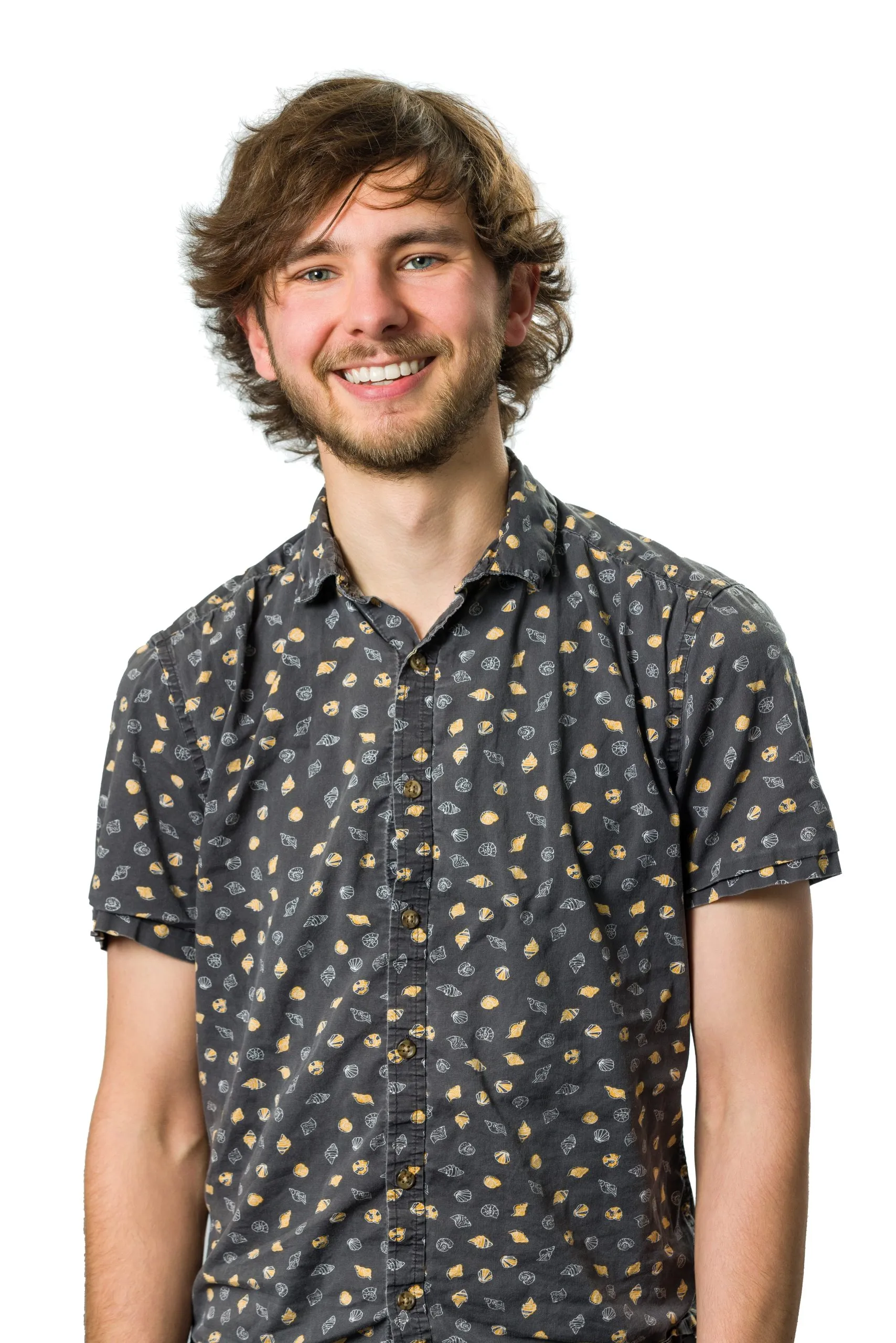
No hiring an external venue. No complicated logistics. No half the office disappearing for the afternoon. We use your own space — usually a meeting room — set up a portable white background, and get to work. People pop in when they’ve got ten minutes, and they leave looking great.

Planning It: Less Work Than You’d Think
The key to a smooth top-up shoot is a bit of gentle communication ahead of the day. Here’s how I’d suggest approaching it:
Pick your date. Aim for a day when as many people as possible will be in — especially senior staff or those who tend to be out on site. Block the meeting room. Send a quick email to the team to flag it’s coming.
Another brief email — a reminder, any updated details, and a chance for people to flag any diary clashes early.
The fun one. Remind them the photographer’s coming. Suggest a haircut if they’ve been putting it off. Iron the shirt. Check the beard. You know the kind of nudge — friendly, practical, and actually quite effective.
After that? You just guide me to the room on the day, and I’ll take it from there. I’ll manage the flow — it helps to bring people in groups of five or six if you can, so there’s a bit of chat in the room. It takes the pressure off individuals and makes the whole thing feel a lot more like a normal Tuesday than a dreaded photo session.
So Why Bother Updating Everyone’s Photos?
This is the bit people sometimes push back on, and I get it. You’ve got photos. They’re fine. Why go again?
Here’s the thing: people change. Hair changes. Beards come and go. People get promoted and want to look the part. Fashion moves on — even subtly. Someone who looked perfectly polished two years ago might look like they’ve wandered in from a different era by now. And an outdated photo is worse than no photo at all, because it quietly undermines trust without anyone quite putting their finger on why.
There’s also a more personal reason. When we delivered the photos last time, I guarantee at least a few people in the team quietly thought: “I wish I’d smiled more,” or “Why did I wear that?” or simply “I’ve been staring at this one for two years — I’m bored of it.” A top-up is a second chance. A fresh start. A reason to finally update the LinkedIn profile photo.


The Marketing Case — Especially for Senior Staff
For directors, decision-makers, and anyone who’s active on LinkedIn or features prominently in bids and proposals, visual content has a shelf life. When the same headshot appears over and over across every post, every bid document, every conference bio — people notice. The image stops saying “current and credible” and starts saying “we haven’t updated this in a while.”
Even if we got ten great shots of the MD last time round, those images are now two years older. New shoot, new options, new energy. It keeps things feeling current without requiring a complete reinvention.
And for companies that submit tenders or bids — where professional team photography often forms part of the submission — having a fresh, consistent library can quietly make a real difference to how your team is perceived on paper.
The Rapport Factor
Here’s something I’ve noticed over many years of return visits: people who’ve been photographed before are just better to photograph the second time around.
When someone walks into the room for the first time, there’s often a moment of “oh god, I hate having my photo taken” — and it can take five or ten minutes just to get them settled. On a return visit? I can usually greet them by name, ask how things are going, reference something from last time. The awkward warm-up phase virtually disappears. They remember how it went, they remember it wasn’t that bad, and they come in already half-relaxed.
The result is that return clients tend to produce noticeably better images. And the more we do this, the more natural and confident the whole team looks on camera. That compounds over time into a genuinely impressive visual library.
What’s Changed Since We Last Worked Together
This is where it gets interesting. The technology available to me now is genuinely different — and better — than it was even two or three years ago. Some of this may not have been possible last time we worked together.
|
AI Background Removal
Photoshop’s AI-powered Remove Background tool is now remarkably accurate. This means we no longer need a perfectly lit, purpose-built white backdrop room — a pop-up background in a reasonably sized meeting room is now enough. More flexibility, fewer logistical headaches.
|
Smarter Retouching
Retouching tools have matured considerably. I can remove blemishes, reduce redness in eyes, brighten the iris for a bit of sparkle, and subtly whiten teeth — all dialled in to a level that looks like you, just on a better day. No mannequin faces. No uncanny valley. Just the best version of how you actually look.
|
|
Dodge & Burn Skin Smoothing
Rather than swapping your skin for someone else’s, I use a technique that works with your actual skin — lightening shadows in wrinkles and darkening the raised parts slightly, so the contrast reduces without anything looking artificially smooth or replaced.
|
Portrait Volumes
Think of this as digital contouring — subtle shadow and highlight adjustments that add dimension to a face under flat lighting. Used lightly, it can make a big difference to how someone photographs, adding a professional, polished quality to the final image.
|
|
Consistent Retouching Across the Team
We can save a retouching preset for your team — meaning everyone’s photos are processed in the same way, to the same standard. A consistent look across a whole team is something that used to take significantly longer to achieve.
|
AI-Powered Cropping to Any Format
Square crop for the website? 16:9 for presentations? Portrait for LinkedIn? We can batch-crop the entire team’s images to whatever dimensions you need, so your marketing team gets photos that are ready to drop straight into the CMS — no Photoshop required.
|
What You Get at the End
By the time we’re done, your marketing team will typically receive:
- Unretouched originals — straight from the camera, full resolution, for your archive
- Retouched versions — eyes, teeth, skin, and portrait work applied, delivered in whichever format we’ve agreed
- Pre-cropped variants — square, portrait, 16:9, or whatever combination is most useful for your website, proposals, and social media
- Web-optimised versions — typically around 2,000px, ready for online use without any further processing
- Print-ready high resolution — full size, for any large-format applications
The idea is that whoever manages your website or social media can just open the folder and use what they need, without having to open an image editor themselves. A ready-to-use library, not a pile of raw files and a bit of good luck.
And of course — if none of the retouching and processing options are useful to you, that’s absolutely fine. It’s added value available to those who want it, not a requirement.
Why This Matters
You could find someone to take a headshot of each person for less. There will always be someone cheaper. But when the photographer arrives and your team is being shepherded through a room one by one to stand in front of a stranger with a camera — the energy of that room matters. Whether people feel relaxed, whether they have a laugh, whether they leave thinking “actually that wasn’t bad” — all of that shows up in the photos.
My whole purpose in what I do is to bring a bit of the joy I genuinely get from photography into a situation where most people would honestly rather be doing something else. If I do that well, you end up with images that your marketing team looks at and goes: “Yes. That’s the one.” Not filler. Not passable. Actually good.
And the good news is — we’ve already done the hard part. You know me, the team knows me, and we’ve got a baseline of great work to build on. A top-up shoot is just keeping that library fresh, keeping your brand current, and making sure that when someone Googles your team or lands on your About page, they see exactly who you are — right now, looking the part.
Get in touch and we’ll have a quick chat about dates, numbers, and what would work best for your team. No pressure, no hard sell — just a conversation about what you actually need.