
When you’ve done a shoot and have hundreds of shots to trawl through, you need a quick way to get the skin tone the right brighness on your subject.
It’s not straightforward enough to use Auto Settings – that will take account of the background as well as the foreground and skin – so you can end up with all kinds of problems!
Here’s an unedited shot of Brad – the lighting’s pretty cool, but I’m, not sure whether his skin’s right or not.
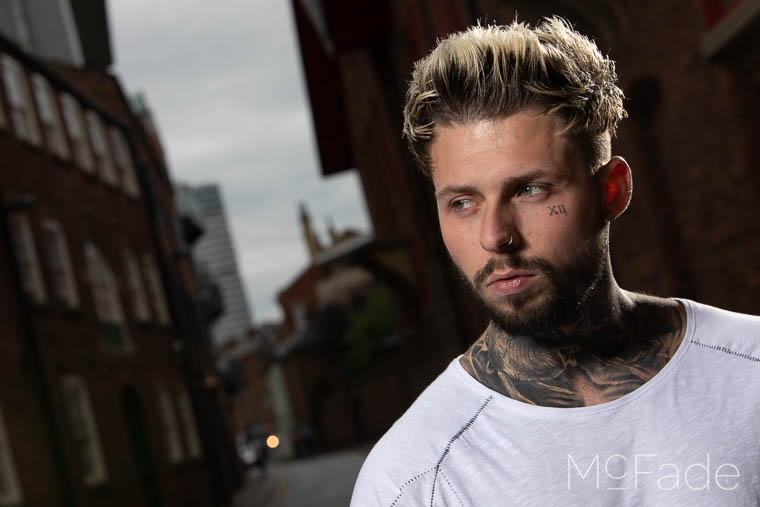
In general, Caucasian skin will be at +1EV (other skin tones vary so this may not work with african or asian skin tones – you’d need to use 0 or -1EV instead).

After this tweak, we now know that Brad’s face is at the correct brightness, and can continue to do whatever edits we like – but this is a great start point!
Here’s how it’s done….